nOps Launches Karpenter .33 Beta Support, Fueling Savings On Any Version
Compute Copilot is an intelligent workload provisioner that continuously manages, scales, and optimizes your EKS compute for the best cost and stability. Copilot is built on Karpenter for its latest-gen scheduling capabilities and seamless integration with cost-effective Spot Instances.
The Karpenter .33 Beta Release brings significant changes, notably transitioning from Provisioners and Node Templates to a more streamlined architecture of NodePools and NodeClasses. This change significantly alters the structure of Karpenter configuration files. For more on the changes and why they matter, check out our recent blog detailing all of the new Karpenter beta capabilities.
In this latest release, nOps Compute Copilot fully supports these advancements while ensuring backward compatibility with earlier Karpenter versions. Users can now effortlessly use Copilot regardless of your Karpenter version and upgrade at your convenience. Our backend handles all of the changes hassle-free on your behalf.
How it works:
- We have upgraded the agent installed on client clusters. This agent is responsible for sending the CRUD commands to the Kubernetes API, choosing the proper CustomResources (NodeTemplates/NodeClasses or Provisioners/NodePools).
- We have enhanced our API to validate the CustomResources based on the version. Therefore, we added a new set of validators for the NodeClasses and the NodePools.
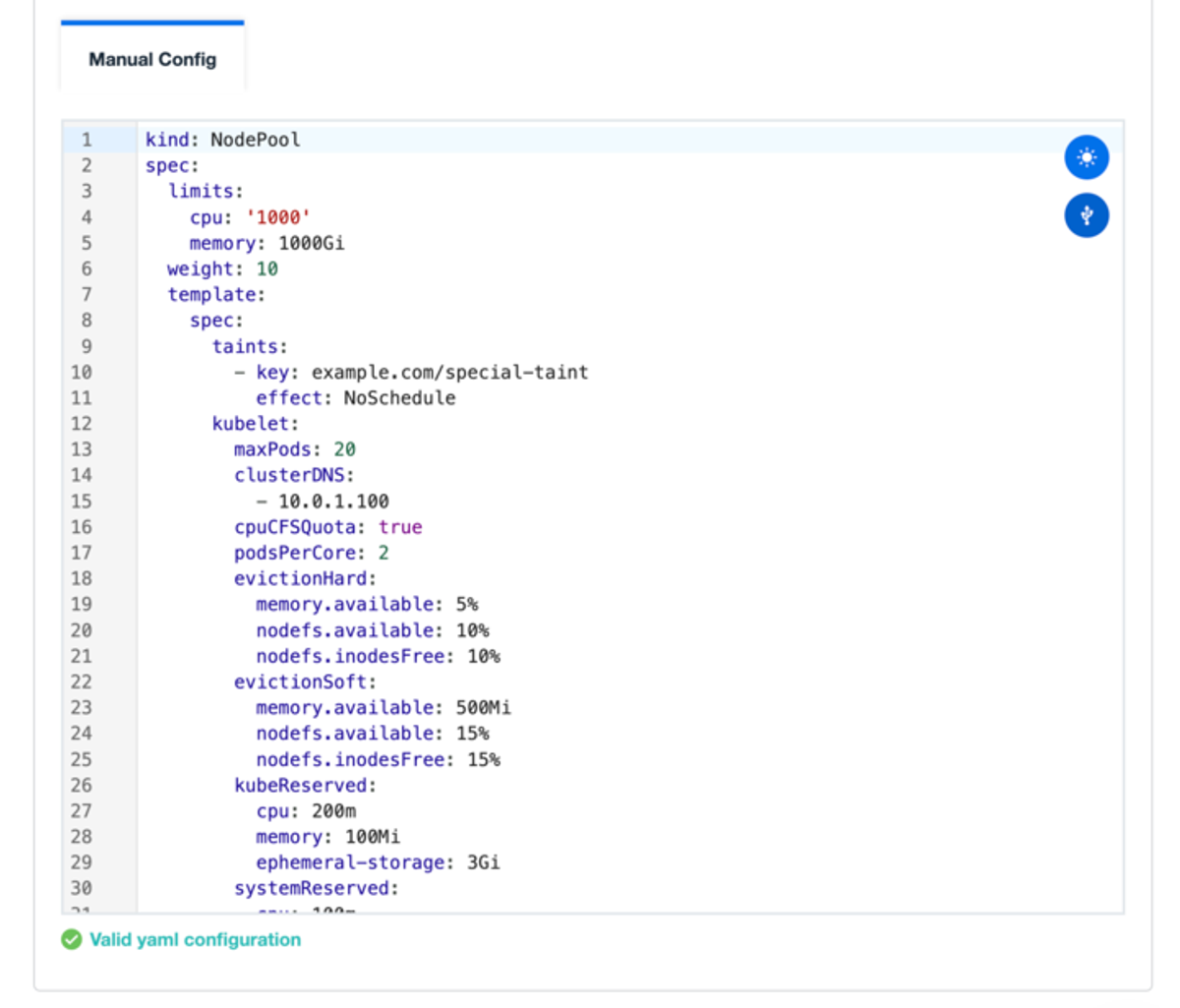
Whether your clusters operate on older or newer versions of Karpenter, or a combination of both, Compute Copilot is meticulously engineered to support you.
Find out how Copilot makes it simple and easy to update to Karpenter .33 Beta in the documentation, which offers detailed information about the changes and upgrade procedures.
Demo
AI-Powered Cost Management Platform
Discover how much you can save in just 10 minutes!
Book a Demo