Skip to content



- Blog
- Commitment Management
- Microsoft Azure Consumption Commitment (MACC): Complete Guide for Enterprises
Microsoft Azure Consumption Commitment (MACC): Complete Guide for Enterprises
Cloud adoption rarely happens in small, predictable steps. Enterprises migrate entire Azure portfolios, launch new digital products, and scale data platforms — all of which can dramatically shift cloud spending. To secure better pricing and strengthen their strategic relationship with Microsoft, many organizations commit to spending a certain amount on Azure through a Microsoft Azure Consumption Commitment (MACC).
But while MACC agreements unlock discounts and partnership benefits, they also introduce new financial and operational complexity. Teams must track consumption across dozens of subscriptions, forecast multi-year cloud usage, and ensure they actually use the commitment they negotiated.
This guide explains what MACC is, how it works, and how enterprises can manage it effectively.
What Is Microsoft Azure Consumption Commitment (MACC)?
Microsoft Azure Consumption Commitment (MACC) is a contractual agreement between an enterprise and Microsoft to spend a predetermined amount on Azure services and marketplace purchases over a defined period. For example, an organization might commit to spending $1 million over three years. They will then draw down against that commitment as they consume Azure resources. This model differs from Azure prepayment (previously called monetary commitment) in that customers pay as they go rather than paying upfront.
Why enterprises use Microsoft Azure consumption commitments: Large organizations negotiate MACC agreements to secure volume discounts and strategic partnership benefits with Microsoft. These commitments typically accompany Enterprise Agreements (EAs) or Microsoft Customer Agreements (MCAs) and serve as a foundation for deeper collaboration between the enterprise and Microsoft. Companies facing significant cloud migration projects or planning multi-year digital transformation initiatives often use MACC to lock in favorable pricing while maintaining spending flexibility.
How MACC fits into Azure Enterprise Agreements: MACC functions as an addendum to existing Enterprise Agreements or can be part of a Microsoft Customer Agreement structure. The commitment sits alongside other Microsoft licensing arrangements and provides a framework for Azure consumption that can span compute, storage, networking, AI services, and even certain marketplace offerings. Unlike Reserved Instances or Savings Plans — which lock in specific resource types — MACC commitments apply broadly across Azure services, giving finance and engineering teams flexibility in how they deploy cloud resources.
How Microsoft Azure Consumption Commitments Work
Microsoft Azure Consumption Commitments operate on a draw-down model where eligible Azure spending counts toward the total commitment amount. Each month, as your organization consumes Azure services — whether running virtual machines, storing data in Azure Blob Storage, training machine learning models, or purchasing marketplace solutions — those charges decrement your remaining MACC balance.
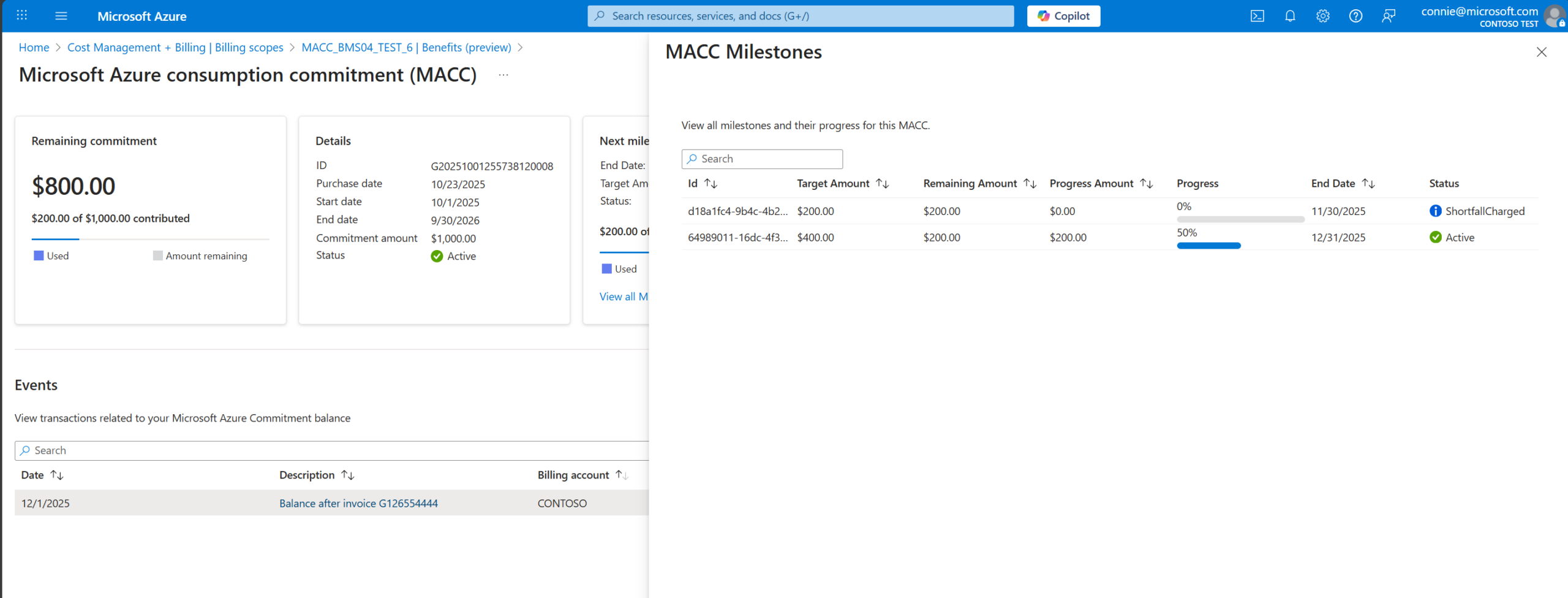
The commitment period typically spans one to three years, with the total value divided into annual or monthly targets. For example, a $3 million three-year MACC breaks down to $1 million per year, or roughly $83,000 per month. Organizations track their progress toward these targets through Azure-native tools, which provide visibility into committed versus actual spend.
Eligible services include most Azure first-party offerings and an expanding list of third-party marketplace products that qualify for MACC credit. However, not all Azure spending counts toward MACC. Certain support plans, third-party licenses purchased through Azure but not enrolled in the MACC benefit, and some marketplace transactions may be excluded. It’s important for FinOps teams to understand which services contribute to commitment utilization and which do not.
When organizations fail to meet their commitment targets, they face two potential consequences. First, they may be required to pay the difference between actual consumption and the committed amount — essentially paying for capacity they didn’t use. Second, they risk losing negotiated discounts or strategic benefits tied to meeting consumption thresholds. Conversely, exceeding the commitment typically means paying for additional consumption at standard rates or at the negotiated discount rate, depending on the agreement structure.
Benefits of Microsoft Azure Consumption Commitments (MACC)
Discounted Microsoft Azure pricing
Budget predictability for enterprises
Strategic partnership benefits with Microsoft Azure
Common Challenges with Microsoft Azure Consumption Commitment (MACC) Agreements
Under-utilizing committed spend
Difficulty tracking consumption across teams
Limited visibility into Azure marketplace purchases
How to Track Microsoft Azure Consumption Commitment Usage
Microsoft Azure tools and dashboards
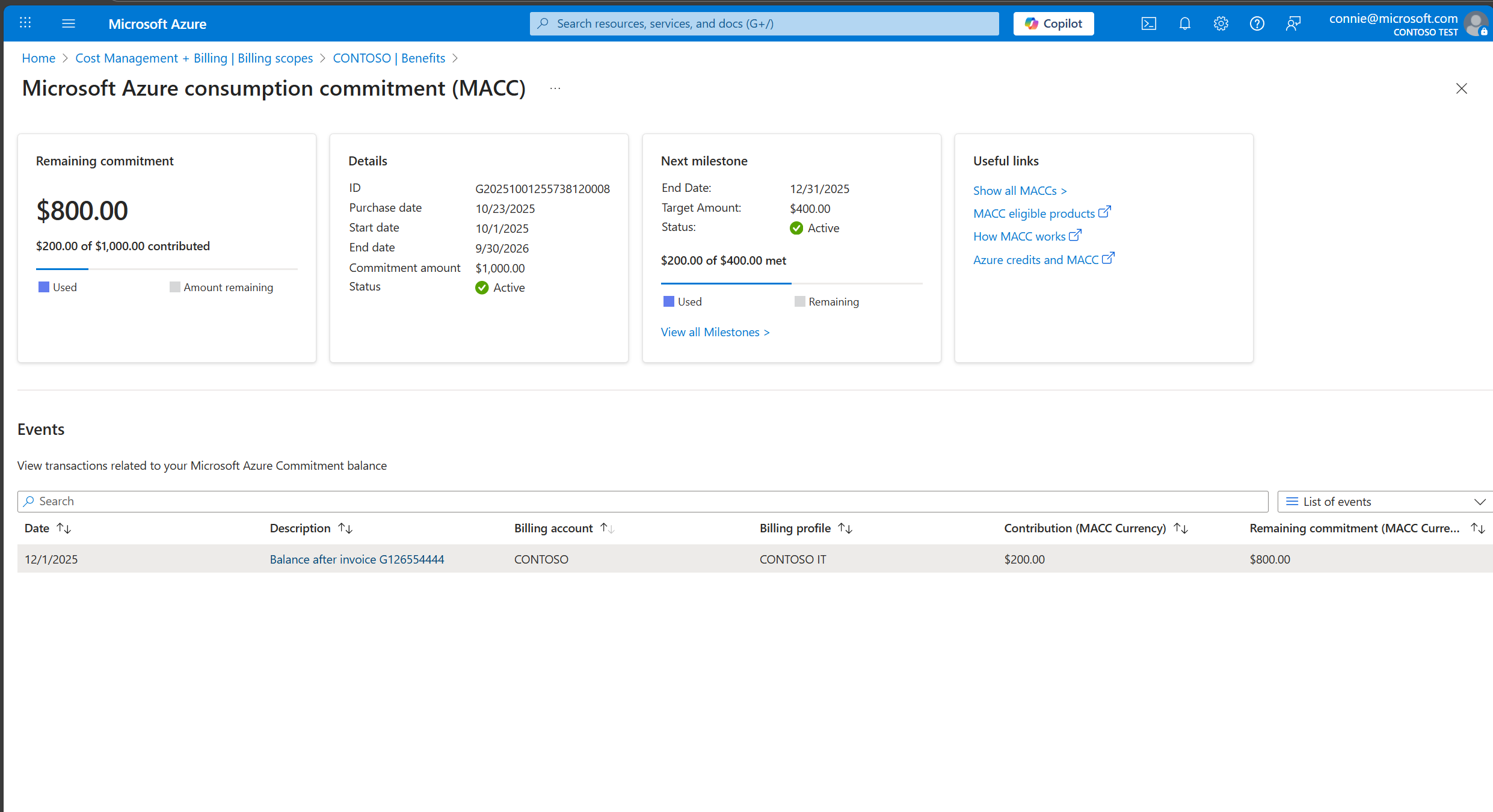
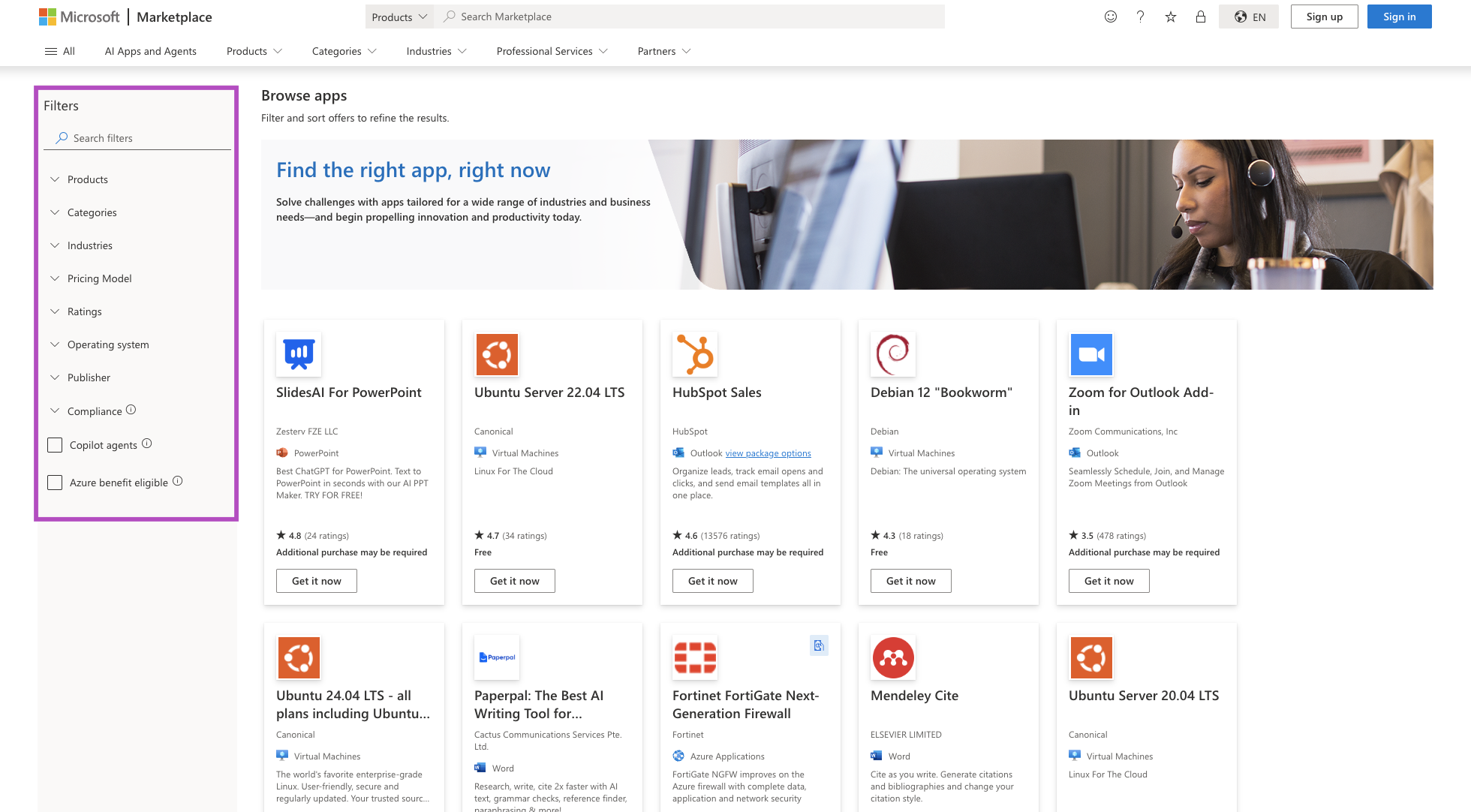
Azure Cost Management + Billing provides native tooling for monitoring MACC utilization. It includes a dedicated MACC tracking dashboard that displays your commitment balance, consumption rate, and projected attainment based on current spending patterns. Teams can view commitment status at the billing account level or drill down into specific subscriptions to understand which areas of the organization are driving consumption.
Setting up commitment tracking requires appropriate role-based access control (RBAC) permissions. For Microsoft Customer Agreement billing accounts, users need Owner, Contributor, or Reader roles on the billing account to view MACC balances. For Enterprise Agreement structures, Enterprise Administrators can access commitment data through the Azure portal.
Tracking committed vs actual cloud spend
Effective MACC management requires comparing two key metrics: committed spend (what you’ve agreed to consume) and actual spend (what you’ve consumed to date). Azure Cost Management allows teams to overlay these metrics on a timeline to visualize pacing. Are you tracking ahead of commitment targets, suggesting potential over-spend or accelerated migration? Or are you falling behind, indicating risk of under-utilization penalties?
Organizations should establish monthly or quarterly commitment checkpoints where FinOps teams review pacing, identify trends, and recommend corrective actions. For example, if Q1 consumption runs 20% below target, teams can explore opportunities to accelerate workload migrations, increase dev/test environment usage, or shift discretionary spending to MACC-eligible services. Conversely, if consumption exceeds projections, finance teams can model the impact on annual cloud budgets and adjust spending priorities.
Monitoring commitment utilization across subscriptions
Multi-subscription environments require aggregated reporting to understand total MACC contribution. Azure Cost Management’s subscription grouping features allow teams to tag subscriptions by business unit, cost center, or project and roll up consumption data accordingly.
Setting up automated alerting for commitment milestones — for example, alerting finance when overall utilization drops below 80% of target at mid-year — helps teams intervene before small pacing issues become major problems. Azure Monitor alerts can trigger notifications via email, Slack, or ticketing systems when consumption deviates from expected patterns.
Strategies to Maximize Azure Consumption Commitment
Aligning workloads with commitment targets
Strategic workload placement can accelerate MACC utilization while delivering business value. Organizations should prioritize migrating high-consumption workloads — such as data analytics platforms, enterprise data warehouses, or machine learning training clusters — early in the commitment period to build momentum toward targets. Rather than migrating workloads in arbitrary order, FinOps teams can work with engineering to sequence migrations based on both technical readiness and consumption impact.
Timing also matters. If an organization is under-pacing on commitment mid-year, accelerating the launch of planned Azure-based products or expanding existing services to new regions can drive incremental consumption that helps close the gap. This requires close collaboration between FinOps, engineering, and product teams to identify appropriate workload deployment opportunities.
Optimizing resource allocation across teams
Centralized resource allocation policies can help balance commitment utilization across an enterprise. Organizations can implement “commitment allocation pools” where business units receive spending targets proportional to their share of the total MACC commitment. Teams that consistently under-consume can be asked to explain why and identify opportunities to increase Azure usage, while teams that over-consume can be coached on cost optimization practices.
Some enterprises create internal “Azure credits” or chargeback models tied to MACC commitments, giving business units budgets to spend against the overall commitment. This decentralizes commitment management while maintaining visibility at the enterprise level. Finance teams track each unit’s contribution and can reallocate unused capacity from one team to another if priorities shift.
Leveraging services that count toward MACC
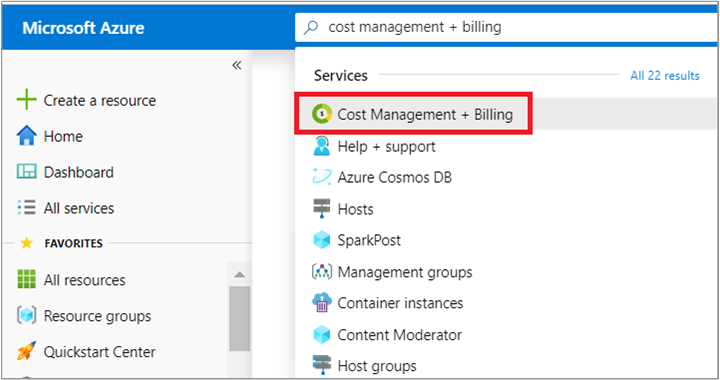
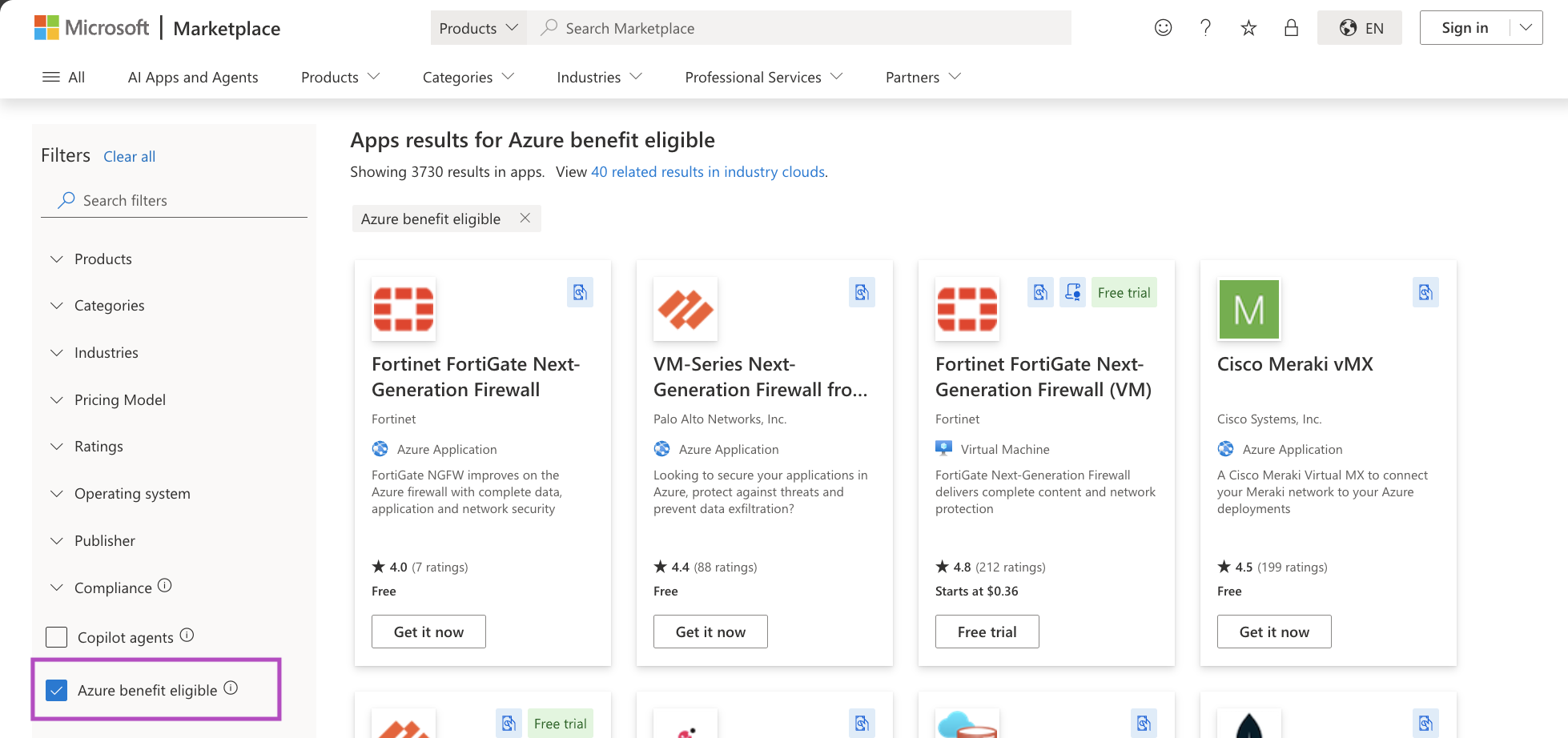
Not all Azure spending is created equal from a MACC perspective. Organizations should educate teams on which eligible Microsoft Azure services contribute to commitment utilization and encourage adoption of MACC-eligible options. For example, Microsoft marketplace solutions enrolled in the MACC benefit program count toward commitment, while those not enrolled do not. Teams should prioritize MACC-eligible marketplace purchases when equivalent options exist
Similarly, understanding how Reserved Instances and Savings Plans interact with MACC is critical. While RI and SP discounts reduce overall Azure costs, the discounted consumption still counts toward MACC commitments. Organizations can layer commitment-based discounts (RIs/SPs) on top of MACC volume discounts to maximize total savings, but this requires careful coordination between rate optimization and commitment management strategies.
Planning workloads to avoid commitment shortfalls
Proactive pipeline planning helps organizations avoid year-end scrambles to meet commitment targets. FinOps teams should maintain a rolling 12-month forecast of planned Azure projects, including estimated consumption impact for each. This “commitment pipeline” allows finance and engineering leaders to see whether upcoming workloads will generate sufficient consumption to meet targets or whether acceleration efforts are needed.
Organizations can also build contingency plans for under-pacing scenarios. For example, if commitment utilization falls short, teams might expand Azure dev/test environments, migrate additional storage workloads, or accelerate proof-of-concept projects that were planned for later periods. Having a backlog of MACC-ready workloads provides flexibility to adjust consumption mid-flight without forcing unproductive spending.
How FinOps Teams Manage Azure Commitments
In most enterprises, FinOps teams play the central role in managing Azure consumption commitments across finance, engineering, and procurement.
That responsibility typically includes monitoring commitment pacing, forecasting future usage, and helping teams stay aligned to MACC targets over the life of the agreement.
MACC and Azure Reservations or Savings Plans are inherently complementary: MACC defines the overall Azure spend commitment, while SPs and RIs help reduce the cost of the workloads consuming that committed spend.
nOps focuses on maximizing that lever automatically — increasing your effective savings rate without adding operational overhead. And, we only get paid after delivering you measurable savings.
In 2026, “good enough” means you’re likely leaving money on the table. We’ve talked to companies that can save millions on their cloud bills by switching to nOps from competitors.
There’s no risk to book a free savings analysis to find out if nOps can help you get more value out of your cloud investments.
nOps manages $3B+ in cloud spend and was recently rated #1 in G2’s Cloud Cost Management category.
Frequently Asked Questions
What happens if you don’t meet your Azure commitment?
Do Azure Marketplace purchases count toward MACC?
Can Azure commitments be adjusted during the agreement period?
How do enterprises forecast Azure commitment usage?

Last Updated: March 12, 2026, Commitment Management
Tags
Last Updated: March 12, 2026, Commitment Management