Amazon Neptune is AWS’s purpose-built graph platform, designed for data that’s more naturally modeled as relationships than rows and columns (“who knows whom,” “what connects to what,” and “how these connections change over time”). This is exactly why pricing can feel unintuitive at first. You’re not just paying to store data—you’re paying for the ability to walk the graph efficiently, keep multiple copies ready for reads and high availability, and (depending on your setup) scale capacity up and down without constant manual intervention. This means bills are shaped by multiple levers, not a single flat rate. This guide breaks down those levers—Neptune Database vs. Neptune Analytics, provisioned vs. serverless vs. Savings Plans, Standard vs. I/O-Optimized, and the core cost drivers (compute, storage, I/O, backups, data transfer, and HA)—so you can understand and reduce your Neptune costs.
What Is Amazon Neptune
Amazon Neptune is a fully managed AWS service for building and running
graph databases—so you can store entities (like users, accounts, devices, products) and the
relationships between them, then query those connections efficiently using graph query languages.
How Neptune Pricing Works
In this section, we’ll cover the key dimensions and cost models that impact Neptune pricing.
Amazon Neptune Pricing Models
Neptune gives you three main ways to pay, and they map to three different philosophies about capacity.
Provisioned is “rent fixed capacity by the hour,”
serverless is “pay for capacity as it expands and contracts,” and
Savings Plans is “commit to steady spend to reduce the compute rate you’re already paying.”
On-demand (provisioned) pricing
With
on-demand (provisioned) Neptune, you choose instance types for your writer and any read replicas and you pay for those instances while they run. Engineering teams like provisioned because performance tends to be consistent: you know what hardware you’re on, you can benchmark it, and you can scale reads in a familiar way by adding replicas. Finance typically likes it because forecasting is straightforward: instance-hours plus storage, plus any extras like I/O and backups. The tradeoff is that you’re paying for capacity even when the graph is quiet. If your traffic comes in bursts—or if you size for worst-case traversals—you can end up “always paying for peak.” And every replica you add for read throughput or high availability is another always-on line item, which is why costs can climb quickly as you harden a production cluster.
Neptune Serverless pricing
Neptune Serverless flips that model. Instead of picking instance sizes and living with them until you resize, you pay for database capacity that scales up and down automatically within the minimum and maximum limits you set. This tends to be compelling when your usage isn’t stable: early-stage applications where traffic patterns are still emerging, workloads that spike during business hours, periodic batch ingestion, or features that encourage exploratory queries (which can be unpredictable). For engineering, the main value is operational: fewer resizing events and less manual capacity management. For finance, the value is avoiding “idle rent”—but the risk is that the bill can become less intuitive. Serverless will happily scale to meet demand, including demand created by inefficient queries or a sudden wave of concurrent graph traversals. Without sensible max limits, alerts, and query discipline, you can trade “paying for idle” for “paying for surprises.”
Database Savings Plans for Neptune
Then there are
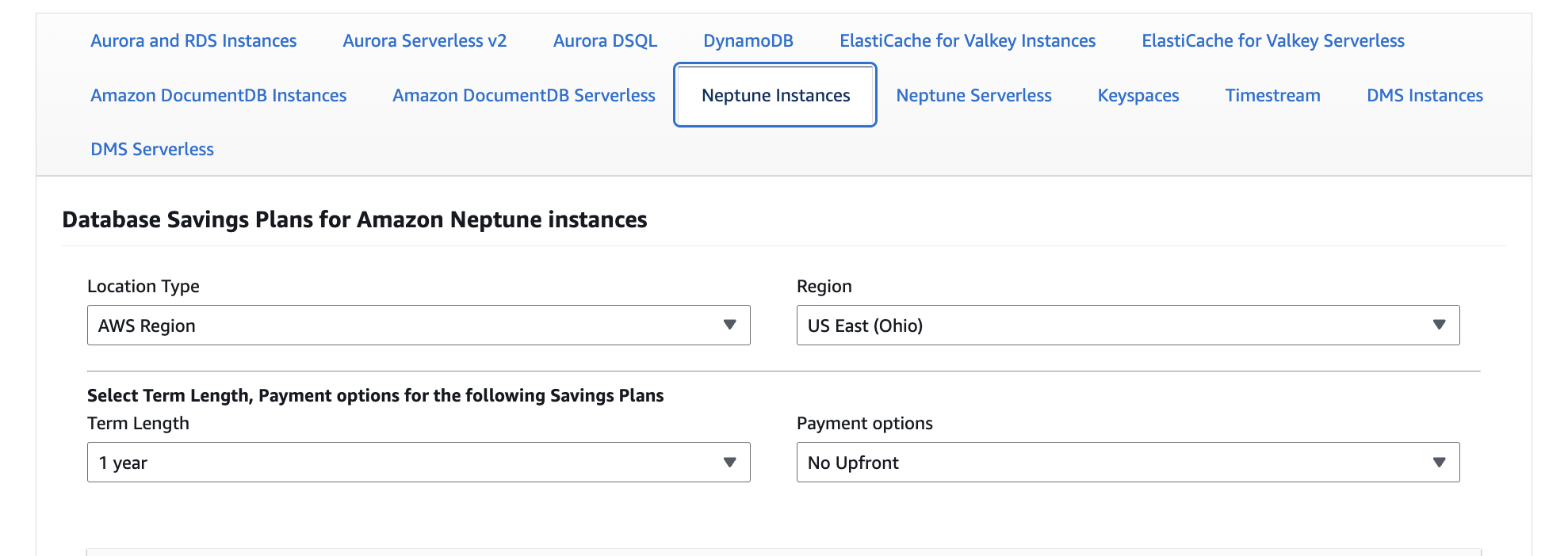
Database Savings Plans for Neptune, which aren’t really a different runtime model so much as a cost lever layered on top of the first two. Savings Plans reduce the compute rate in exchange for a commitment to a consistent spend level over time. They’re most valuable when you have a baseline Neptune footprint you’re confident will exist next quarter and next year—because they can lower your unit costs without requiring any engineering changes. The drawback is the same drawback as any commitment discount: if your usage drops significantly (because you right-size, migrate, or retire a workload), you can end up committed to spend you no longer need. In other words, Savings Plans are great when the workload is durable; they’re painful when the workload is uncertain.
What Determines Your Neptune Cost
Neptune cost is determined by these main components:
| Cost driver | Biggest lever |
| Compute | Capacity (instances/replicas or serverless scaling) |
| Storage | Data size + retention |
| I/O | Query/write patterns (and storage option) |
| Backups | Retention + manual snapshots |
| Data transfer | Where clients run (AZ/Region) |
| HA / DR | How many copies you keep running |
Let’s say a few quick words about each component and how they can get expensive.
Compute costs
Compute is usually the biggest lever. In provisioned Neptune, you pay for the writer plus any read replicas for every hour they’re running—so costs rise with bigger instance sizes and more replicas. In Neptune Serverless, you pay for capacity that scales with concurrency, query complexity, and write volume, which can be great for spiky usage but less predictable without sensible min/max limits. The most practical way to control compute is to right-size for your baseline, cap bursts (serverless), and fix “expensive” query patterns that drive up capacity.
Storage costs
Storage is what you pay to keep the graph persisted. Storage usage usually grows steadily as you add more nodes/edges and retain more history, and it rarely shrinks unless you delete or archive data. The straightforward levers are data retention (how much history you keep in the graph), avoiding duplicated properties, and regularly cleaning up dev/test clusters that quietly accumulate data.
I/O and request-driven costs
I/O is the part that surprises teams when graph queries get traversal-heavy. In Standard storage configurations, some of your bill is driven by read/write activity, so deep traversals, high fan-out queries, and chatty workloads can add cost. If I/O becomes a meaningful line item, I/O-Optimized can be worth evaluating because it shifts the pricing model away from per-I/O charges—often trading higher baseline cost for fewer surprises in I/O-heavy workloads.
Backup and snapshot costs
Backups are typically “cheap until they aren’t.” Automated backups are often covered up to a threshold relative to your database size, but long retention periods, frequent manual snapshots, and keeping snapshots across environments can quietly add up. The simplest control is setting clear retention policies (prod vs. non-prod), pruning old manual snapshots, and being intentional about cross-Region snapshot copies.
Data transfer costs
Data transfer costs depend on where your app runs relative to Neptune. In-VPC traffic patterns can be cheap, while cross-AZ traffic, cross-Region access, and moving data out to the internet can introduce additional charges. The practical guidance is to keep high-volume clients in the same Region (and often the same AZ strategy) and to watch for architecture choices that create lots of cross-AZ chatter—especially if replicas sit in different AZs and your app frequently reads from them.
High availability and multi-Region features
High availability improves resilience, but it’s not free: you typically pay for additional replicas (and in multi-Region designs, additional clusters and replication). The key tradeoff is business-driven: if the workload truly needs higher availability or regional disaster recovery, the extra cost is justified; if not, it’s easy to overbuild and carry ongoing replica costs that don’t meaningfully reduce risk. A good rule of thumb is to treat each replica or Region as a deliberate decision tied to an uptime/RTO/RPO requirement.
Free Tier and Included Allowances
Neptune isn’t an “always-free” service, but AWS does offer a
30-day Free Tier trial for
first-time Neptune Database users.
What’s included (for 30 days): - 750 hours of a db.t3.medium or db.t4g.medium Neptune instance (about one instance running all month)
- 10 million I/O requests
- 1 GB of total Neptune database storage
- 1 GB of backup storage
Important limits to keep in mind: - The 750 hours are shared across what you run—extra instances/replicas consume hours too
- After the 30-day window ends, resources that remain running move to normal on-demand pricing unless you shut them down
Usage beyond the included storage/backup/I/O amounts is billed at standard rates.
How To Estimate Neptune Costs
The easiest way to get a realistic cost estimate is to use the
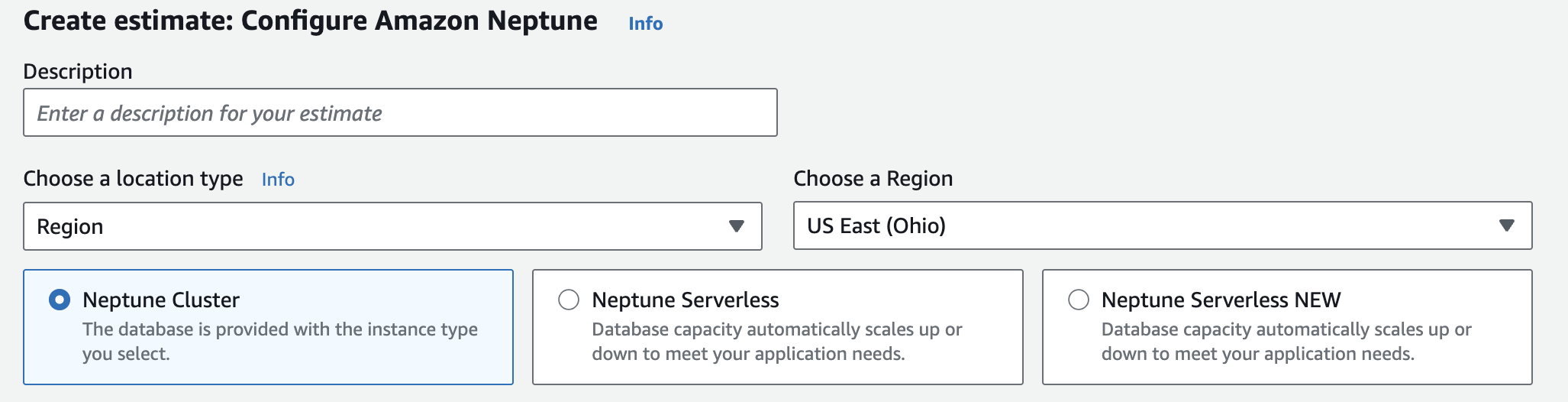
AWS Pricing Calculator, then build your cost estimate around the footprint you expect to run most of the month. Start with your baseline (“what runs all month”), and only then layer in the parts that vary with workload once you have even a rough sense of usage. A simple way to do this is to estimate Neptune in two passes. First, calculate your “floor” cost: the writer (and any replicas) plus storage. Then add the “swing” costs that can move month to month—things like request-heavy activity, longer snapshot retention, or cross-AZ/cross-Region traffic. This keeps the cost estimate useful even when you don’t yet know exact query behavior.
A simple example of Neptune pricing:
Assume a provisioned Neptune cluster with:
- 1 writer + 1 read replica (2 total instances)
- 200 GB of database storage
- 200 million I/O requests / month (Standard)
- 400 GB of backup storage (so 200 GB above the “up to 100% of DB storage” included amount)
Using example rates of
$0.348/hr for a
db.r5.large instance,
$0.119/GB-month storage,
$0.20 per million I/Os, and
$0.021/GB-month backup beyond the included amount, the monthly estimate (30-day month) looks like:
- instance charges (2 × $0.348 × 24 × 30 = $501.12) + storage charges (200 × $0.119 = $23.80) + backup charges ((400 − 200) × $0.021 = $4.20) + I/O charges (200 × $0.20 = $40.00) = $569.12/month (plus any applicable data transfer)
Neptune Cost Optimization
Here are a few ways you can reduce your total Neptune database spend.
Control compute spend
Focus on right sizing instance types for your steady-state workload first, because compute spend is largely determined by the capacity you keep running all month. Start with a baseline instance class that meets normal latency and throughput requirements, then validate it under realistic query mixes (not just “requests per second”). Right-sizing is less about finding the cheapest box and more about avoiding chronic overprovisioning for edge-case peaks. Treat read replicas as an explicit spend decision, not a default setting. They’re the most common reason a cluster’s compute bill jumps: each replica is additional capacity you pay for continuously, even when it’s idle. Add replicas when you have sustained read pressure or clear availability requirements, and revisit the count when traffic patterns change (for example, after a launch period or seasonal spike). Finally, if you’re using serverless, the compute lever shifts from “how many instances” to “how far it’s allowed to scale.” Setting sensible minimum and maximum capacity keeps the database responsive during bursts without turning unpredictable load into runaway spend. Regardless of model, the biggest hidden driver is query shape—deep traversals and high fan-out patterns can consume disproportionate capacity—so tracking and tuning the few worst-offending query patterns is often the fastest path to stable compute costs.
Manage storage and backup costs
Storage and backups tend to accumulate, so the goal is to set clear retention rules (especially for non-prod) and stick to a cleanup cadence.
| Lever | What to decide | Prod default (typical) | Non-prod default (typical) |
| Data retention | How much historical graph data you keep “hot” in Neptune vs archive elsewhere | Keep only what you query regularly; archive old history | Short retention; archive aggressively |
| Automated backup retention | How many days of automated backups you keep | 7–35 days (based on recovery needs) | 1–7 days |
| Manual snapshots | When you take them and how long you keep them | Before major changes; time-bound retention | Only when needed; delete quickly |
| Snapshot sprawl | How you prevent “forgotten” snapshots from accumulating | Tag/owner + regular review | Weekly cleanup is usually enough |
| Environment cleanup | How you prevent dormant clusters from accruing storage/backup | Monthly review | Weekly review / automated teardown |
Reduce I/O and query-driven costs
Most runaway spend in Neptune comes from traversal-heavy data patterns, so focus on tightening what each request touches. Here’s a quick checklist:
- Put hard limits on traversals and result sizes (depth caps, pagination, and “only fetch what you need”).
- Start queries from the most selective point you can (avoid broad “scan then traverse” patterns).
- Break large traversals into smaller steps when possible, and cache intermediate results when they’re reused.
- Batch writes and updates instead of sending lots of small requests (especially during ingestion).
- Prefer targeted property retrieval over expanding whole subgraphs “just in case.”
- If I/O your Neptune database consumes becomes a meaningful portion of the bill under Standard, compare against I/O-Optimized to see whether a higher baseline cost reduces request-driven variability.
Keep data transfer costs from creeping up
Data transfer charges usually aren’t about Neptune itself—they come from
where your application and downstream consumers run relative to the database. The easiest way to keep this predictable is to design for “local” traffic by default (same Region, minimal cross-AZ chatter), and treat cross-Region access as a deliberate DR choice. Quick checklist:
- Keep high-volume clients in the same Region as Neptune.
- Minimize cross-AZ reads/writes by aligning app placement and connection patterns with your cluster topology.
- Avoid cross-Region access for normal traffic; reserve it for DR patterns you’ve explicitly designed and tested.
- When you add new consumers (ETL, analytics, integrations), confirm where they run before they start pulling data at scale.
Take Control of Neptune Spend with nOps
nOps is a cloud cost optimization platform that helps you understand, control, and reduce Amazon Neptune spend with no manual effort.
Visibility into Neptune cost drivers nOps breaks Neptune spend down into any useful engineering or finance dimension—such as by account, environment, team, application, and region—so you can quickly answer:
Which cluster changed? What changed about it? And what should we do next? It also includes cost anomaly detection, forecasting, budgeting, reporting, and all the other features you need.
Cost allocation that makes ownership obvious nOps automates tagging and cost allocation, so you can break down spending by team, customer, product, or any other cost center.
Autonomous commitment management savings If you’re running Neptune at any real scale, nOps takes commitments off your plate. It automatically selects the right AWS commitment approach for your Neptune usage and keeps it aligned as your footprint changes—so you capture savings without spending time modeling options, purchasing plans, or continually rebalancing coverage. Want to see it in practice?
Book a demo to walk through Neptune cost visibility, allocation, and spike protection in your environment.
nOps manages $3 billion in AWS spend and was recently rated #1 in G2’s Cloud Cost Management category. 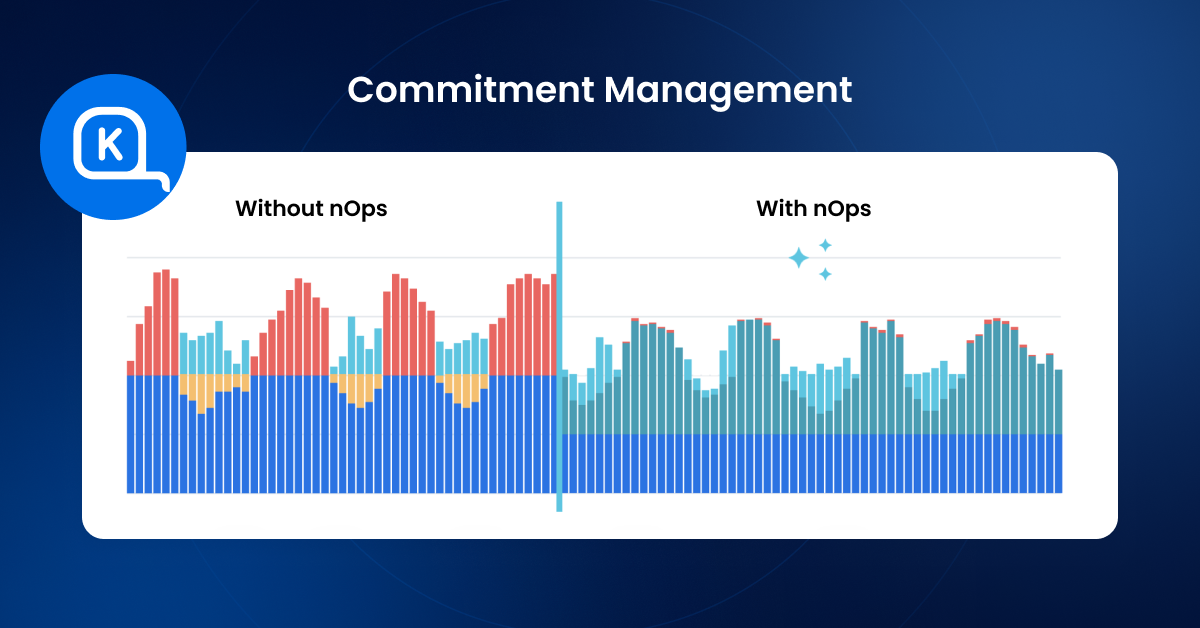
Frequently Asked Questions
Let’s dive into a few FAQ about Neptune pricing.
What is the cost of Neptune?
Neptune costs vary based on the capacity model you choose (provisioned instances vs. serverless), how many replicas you run for read scaling and availability, and how your workload behaves (especially traversal-heavy query patterns), so the most practical way to estimate is to price a baseline cluster in the AWS Pricing Calculator and sanity-check it with a “busy month” scenario that reflects expected peaks.
How does data access affect Amazon Neptune costs?
Amazon Neptune database costs are shaped less by what you store and more by how you traverse it. Typical data access patterns (stable query shapes, consistent concurrency) tend to produce predictable spend, but evolving data access patterns—new features, deeper traversals, higher fan-out queries, or more concurrent graph exploration—can quickly increase compute and (in Standard configurations) request-driven I/O, so it’s worth revisiting query limits, batching, and assumptions as usage changes over time.
How do Neptune database instances and replicas impact cost?
In provisioned Neptune, you pay for the writer (primary instance) plus every read replica you run, so costs scale directly with Neptune instance size and the number of replicas (which are always-on even when traffic is low); the most cost-effective approach is to right-size for baseline demand and add replicas only when you need sustained read throughput or specific availability targets.
How do automated database backups, retention periods, and database cluster snapshots affect Neptune costs?
Automated backups are controlled by your retention period and can stay inexpensive at default settings, but costs grow when you extend backup storage consumed, keep many manual cluster snapshots, or copy snapshots across Regions, so the best practice is to set retention by environment (shorter in non-prod), prune manual snapshots on a regular cadence, and treat long-lived or cross-Region snapshots as an intentional policy rather than a default.
 Skip to content




